-
-
Day 13
Collage Use clipping masks and brushes to collage a series of photos
-
Day 11 Selective Color
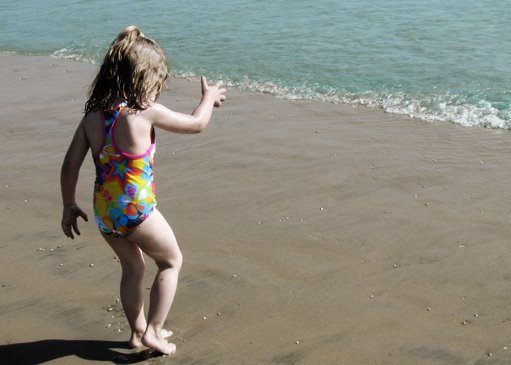
Day 11: Selectively color part of an image I have tried this teqnique before, using layer masks to reveal the color “hidden” beneath. I just tried to have a little fun. Imogene was disappointed because her body wasn’t painted, being in black and white kind of bothers her. I like this picture better in color,…
-
Day 10
Today was a recap of all the teqniues so far- clipping mask textures text overlay some type edge burn Here is my result:
-
Day 9
I really liked the tecnique that was taught today; burned edges. I haven’t seen using a gradient mask to burn in the edges, and it really naturally darkened the edges and allows the center to pop.
-
Day 8: Add text
Day 8 assignment: Using Text Add text to a photo optional: add texture or coloring Mimi 1 year photoshoot Imogene at the Beach Xander is a bit of a ham
-
Lesson 5 and Bonus 3
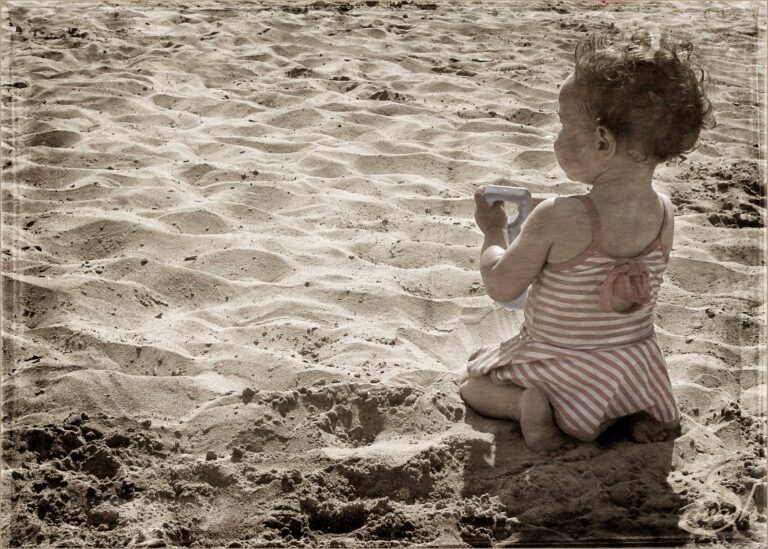
Add textures I followed the instructions for a vintage tinted photograph and then applied the textures. I really like the subtle pink of the swimsuit and the warmth of the sand. The original picture didn’t have such nice brown tones. I also turn down the textures quite a bit. Bonus #3 Place the image in…
-
Lesson 4
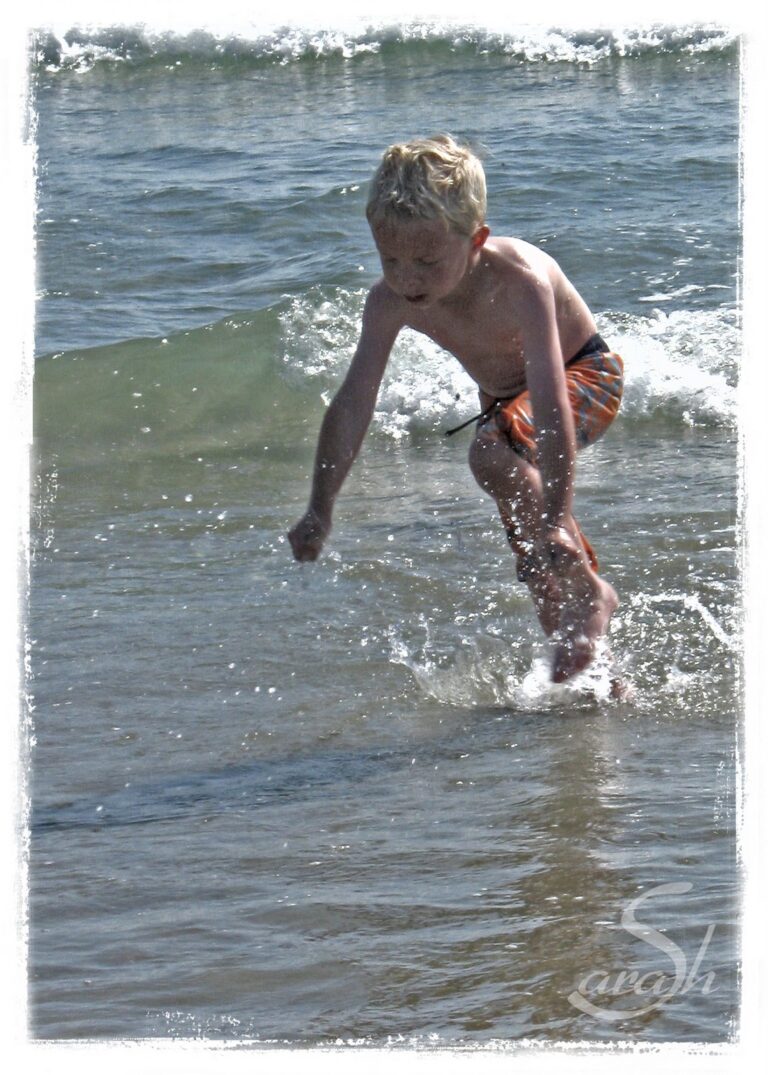
Goal: Add a clipping mask In this photo it is the white border.
-
Lesson 3 and Bonus #2
Here is lesson three in my photoshop class: I hand tinted the water and added some vintage coloring Here is the Bonus Projects, I think it is a little silly but Imogene liked it. I was suppoed to add “stars” but it seemed more fiting if it was “fairy dust”
-
Day 2: Brushes
Assignment: Load brushes into photoshop and apply to an image. Result: